01
Land
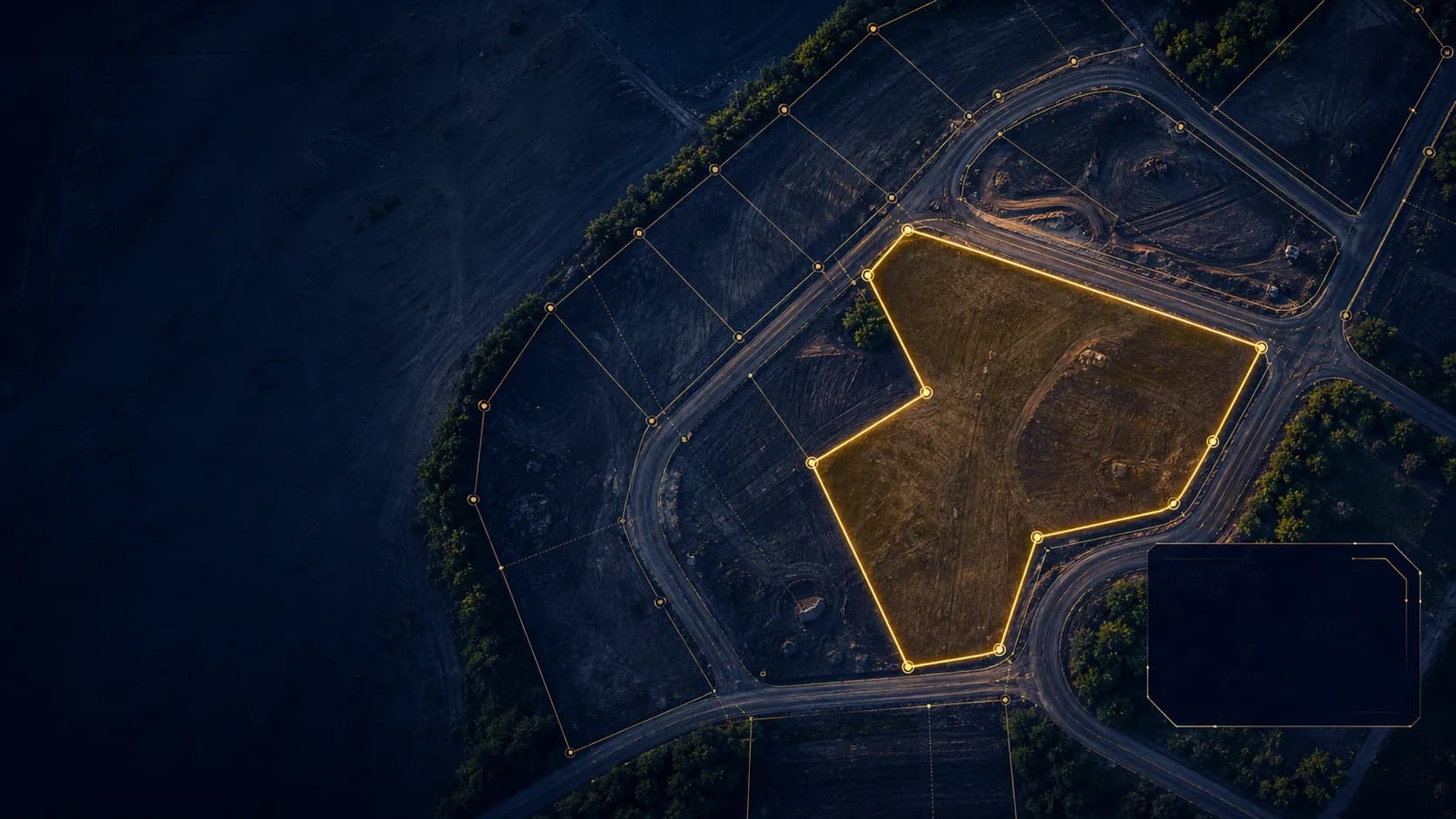
See a parcel with the record and next decision beside it.

Land and estate operations
Pole gives land teams a working view of the parcel, the people around it, the decision in front of them, and the record that follows.
Organization access is reviewed after email verification. It is not instant workspace creation.
A working record
A map alone cannot explain who is waiting, what changed, or whether a payment belongs to an allocation.

01
See a parcel with the record and next decision beside it.
02
Keep client access distinct from the work the team performs.
03
Review the state and context behind an allocation or change.
One operating journey
Start at the land record. Move through field and review work. Keep the client and allocation context clear. Then explain the financial facts without separating them from the land-sale story.
Bring estate plans, plots, declared coordinate context, and their current state into one operational view.
Explore land recordsKeep survey context close when a boundary, plot, or allocation needs a responsible next step.
See decision pathsConnect client relationships, reservations, allocation history, and private portal access without blurring roles.
See team workflowsTrace recorded payments, refunds, agreements, and balances back to the land-sale work they describe.
Explore Tenant Finance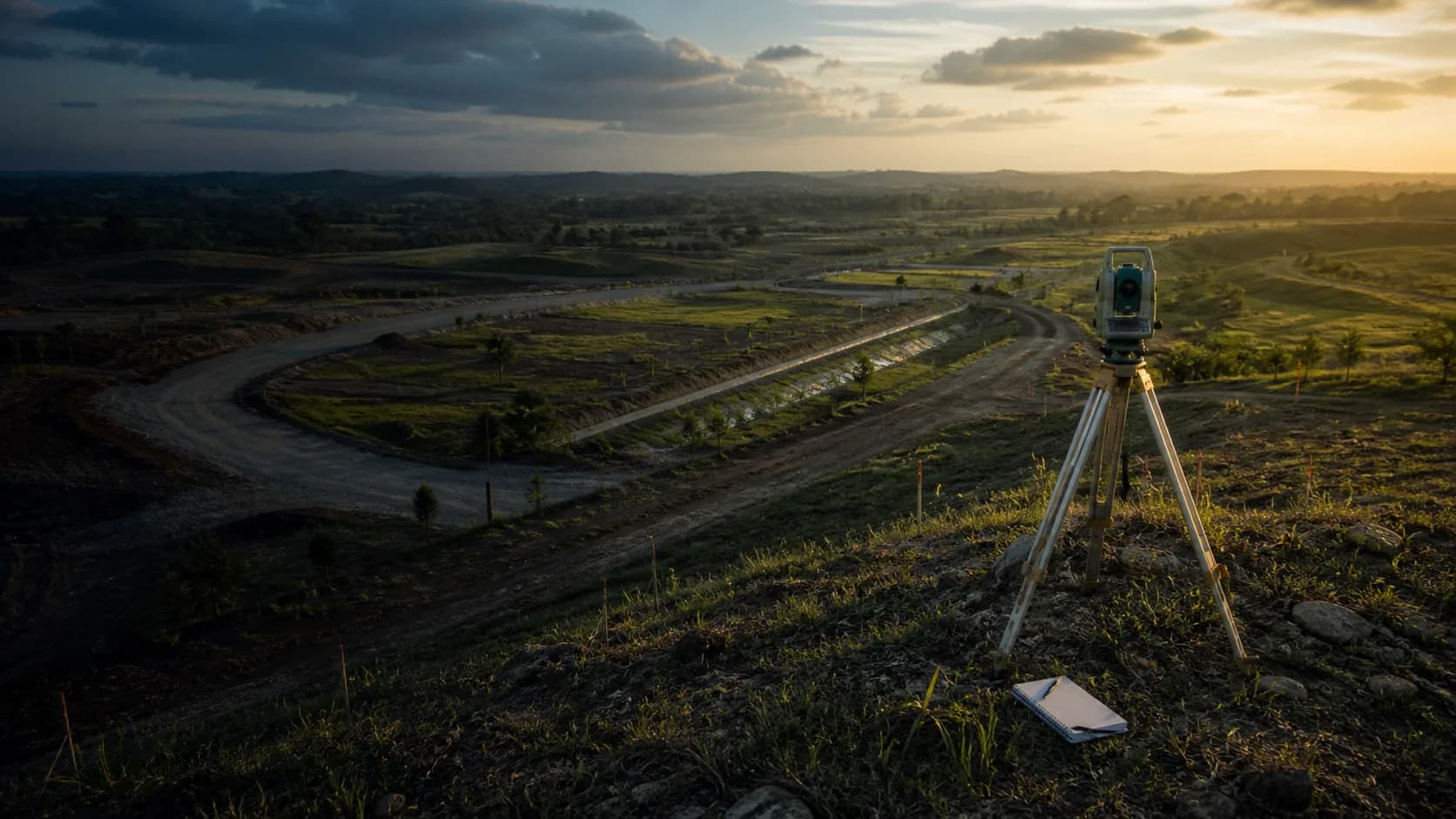
Where work happens
Pole works in the browser and can be installed as an online-first web app. A signed desktop release is not yet available; access rules remain the same wherever Pole opens.
Evidence in the work
Pole keeps account contexts separate, checks authorised actions at the server, and presents operating history in the workflows that own it. Review the scope with your team before making a decision.
Review trust and scopeOrganization access
Tell us what your organization needs to review. Submit an organization access request, verify the contact email, and Pole reviews the application before granting access.